
Writing with AI
Build your character bible
4 min read
The more the AI knows about your characters, the better it can write in their voices. The character bible is where that knowledge lives. It is your cast, on the record, so the help you get stays true to the people you have created.
What it is
Think of the bible as a living reference for your story's people: who they are, what they want, how they speak, what they would never say. It is the difference between an AI that drafts a generic stranger and one that drafts your character, the one only you could have written.
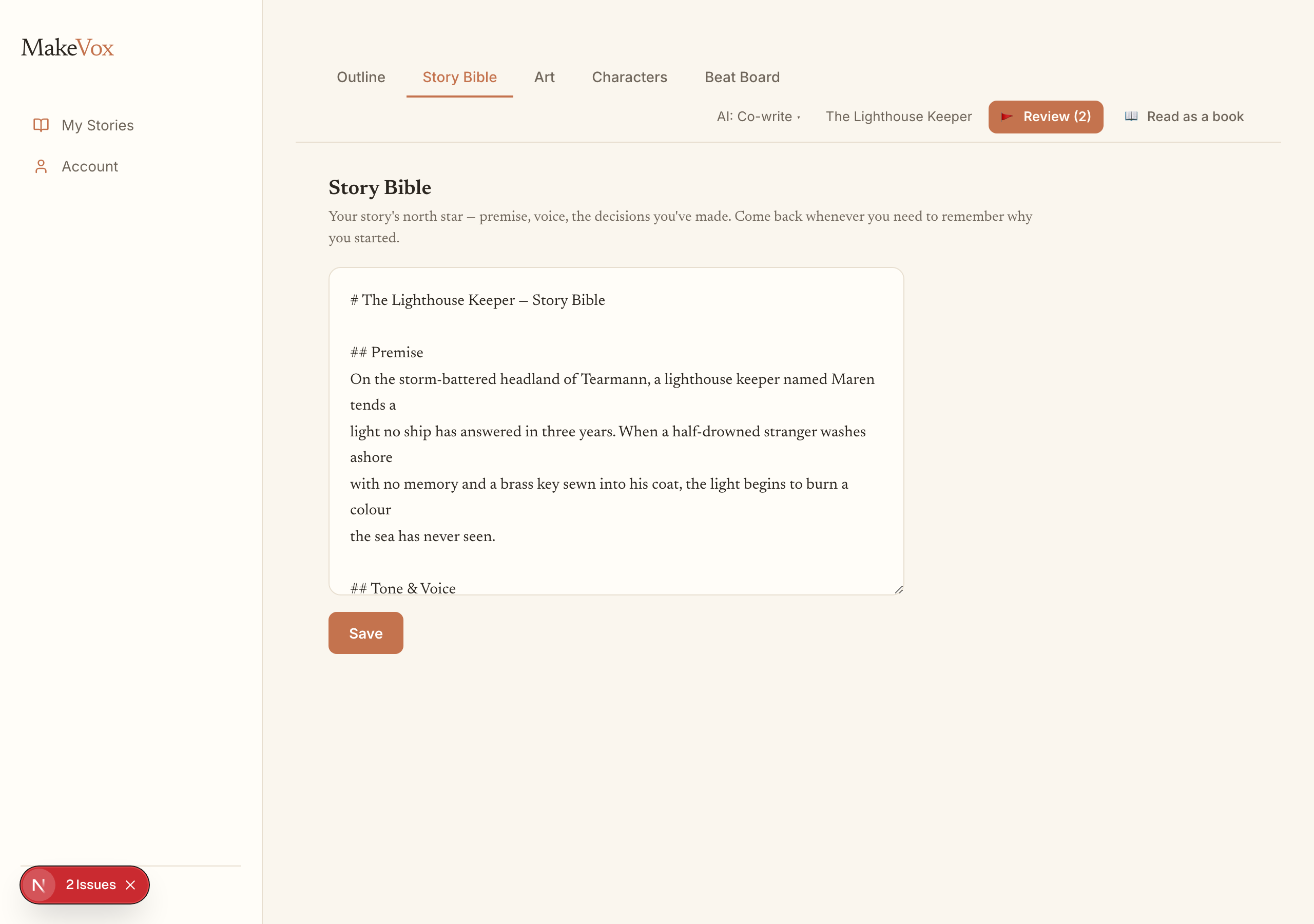
Write it or dictate it
Build the bible the same way you build your story: by talking. Describe a character out loud and MakeVox captures it, or type if you prefer. Add as much or as little as you like, and come back to deepen an entry whenever a character surprises you.
- Open your project and go to the character bible.
- Add a character and describe them, by voice or by typing.
- Capture what matters: their wants, their voice, their history, their tells.
- Revisit and grow each entry as the story teaches you who they really are.
How it unlocks Direct
The bible does double duty. On its own it makes every AI draft more faithful to your characters. Together with a body of your own writing, it also unlocks Direct, the setting where you can brief a whole scene and have it drafted in your voice. The AI earns that trust by first learning who your people are and how you write.
Tip. If Direct is still locked, a fuller bible plus more of your own prose is usually what gets you there.
Keep reading
Your AI assistance dial: Shape, Co-write, Direct
One dial sets how much the AI does, from polishing your own words to drafting from a brief. Shape is the default, and you can change it per story.
Your words, scored: Voice-Fidelity and the Provenance X-ray
See how much of any passage is genuinely yours. The Voice-Fidelity meter scores it, the Provenance X-ray shows it line by line, and a toggle keeps it your words only.