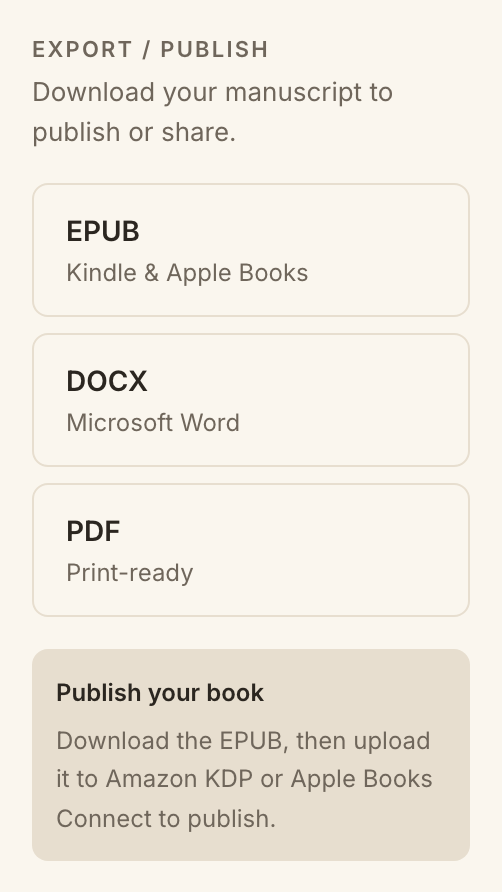
Your story does not live trapped in MakeVox. When you are ready to share it, send it to an editor, or move it into another tool, you can export your writing in the format you need.
Choose a format
EPUB, for e-readers and publishing platforms.
DOCX, for Word, Google Docs, and most editors.
PDF, for a fixed, print-ready or share-ready document.
Pick a format and your story is ready to go.
How to export
1Open the project you want to export.
2Find the export option in the workspace.
3Choose EPUB, DOCX, or PDF.
4Download your file and take it wherever you need it.
Tip. Export as often as you like. It is a copy of your current draft, so your work in MakeVox stays exactly where it is.