
Project types
Write a screenplay by voice
5 min read
A screenplay is mostly talking anyway, so why not write it by talking? MakeVox has a screenplay project type built for the format, where you speak scenes into existence and shape them the same hands-free way you write prose.
Start a screenplay project
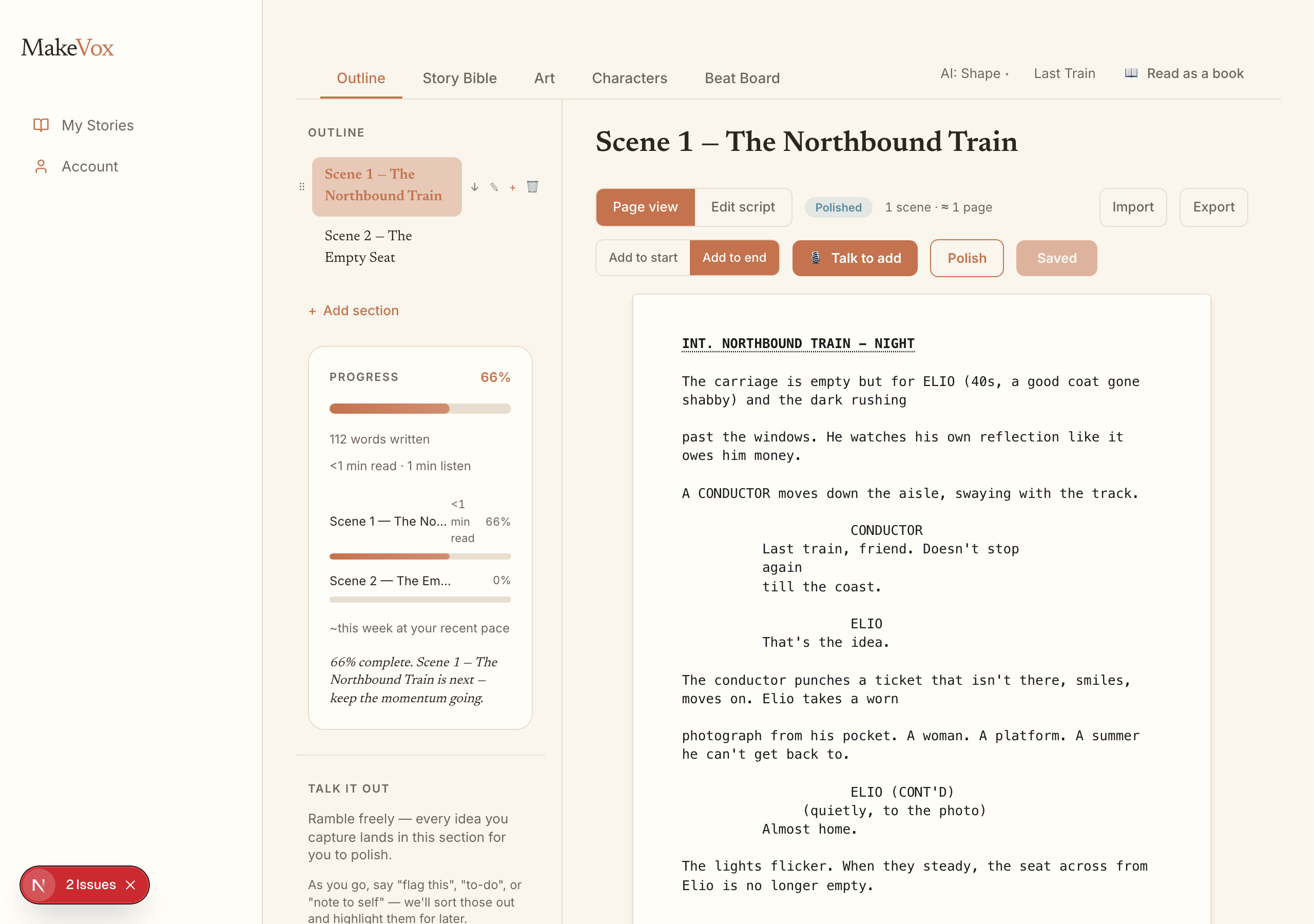
Choose the screenplay project type when you create your project. The workspace adapts to the format, so your scenes, sluglines, action, and dialogue are laid out the way a script should be rather than as plain paragraphs.
Talk to add a scene
Describe a scene out loud, where it happens, who is there, what they want, and MakeVox lays it into the script. You build the spine of the story by talking through it, scene by scene, without stopping to format anything.
Talk it through, per scene
Each scene has a Talk it through option. Pick a scene, say what you want it to do or where it should go next, and rework it by voice. It is a conversation about that one scene, so you can shape the dialogue and beats until they land.
Polish or punch up
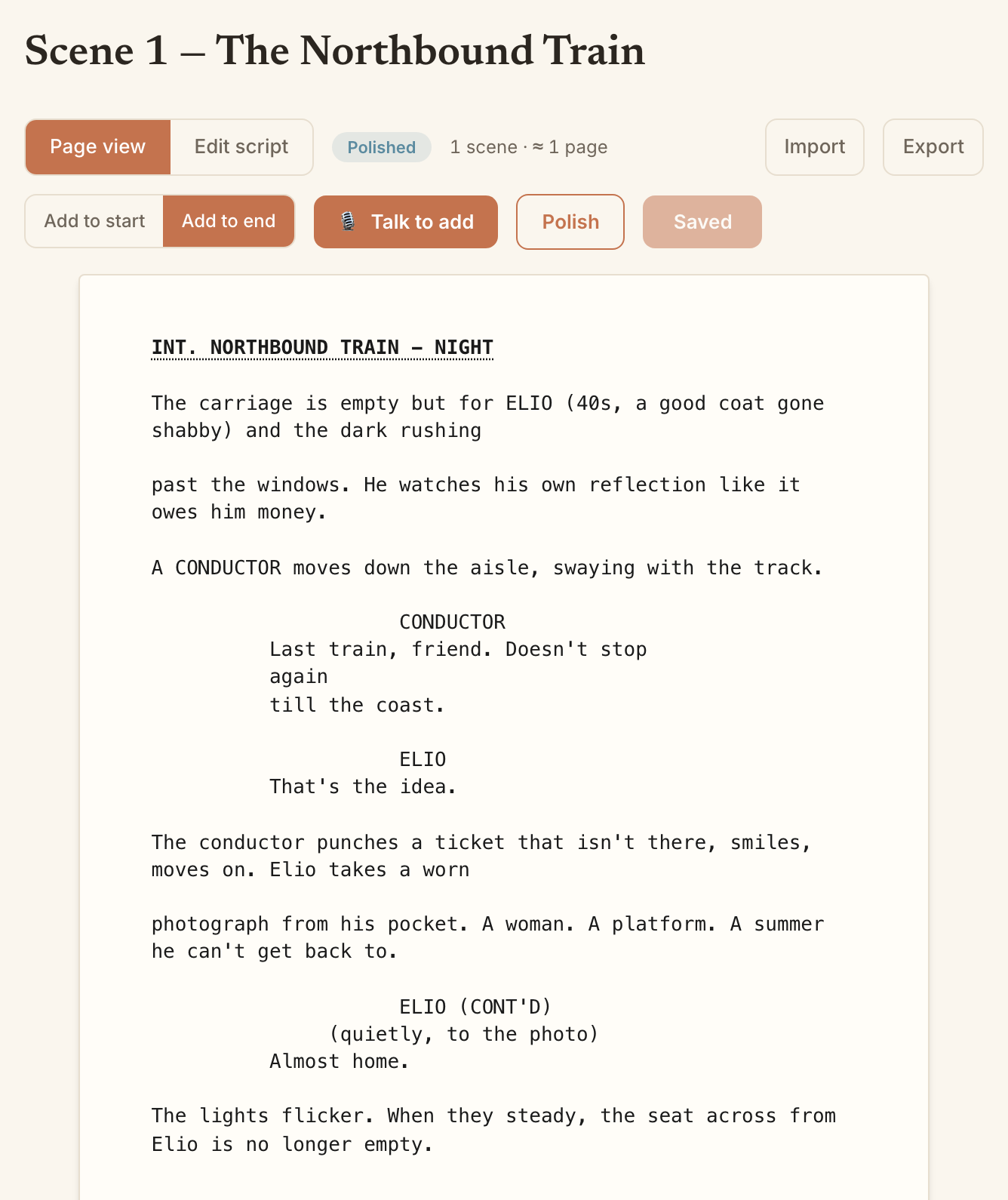
When a scene is close but not there, you can ask for a lighter or heavier pass. Polish smooths the existing lines while keeping them yours. Punch up sharpens the dialogue and pacing for more impact. You choose how far to push it.
Import and export Fountain
MakeVox speaks Fountain, the plain-text screenplay format. Bring in a script you started elsewhere, or export yours to take into another tool. Your screenplay is never locked in.
Tip. Already have a draft in another app? Export it to Fountain there, import it here, and keep writing the rest by voice.
Keep reading
Getting started: speak your first chapter
Open MakeVox, hit record, and talk. Your AI editor shapes the rough dictation into clean prose, and your outline grows as you go.
Build your character bible
Your character bible is the AI's memory of who your people are. Write it or dictate it, and together with your prose it unlocks the Direct setting.